
For Multi-Branch Restaurants
Compare your branches fairly, and see where the recommendations are being ignored.
What usually happens
- You hear about the struggling branch at the end of the month.
- A small branch and your busiest one cannot be compared on totals.
- Each branch sets its quantities its own way.
What the system does
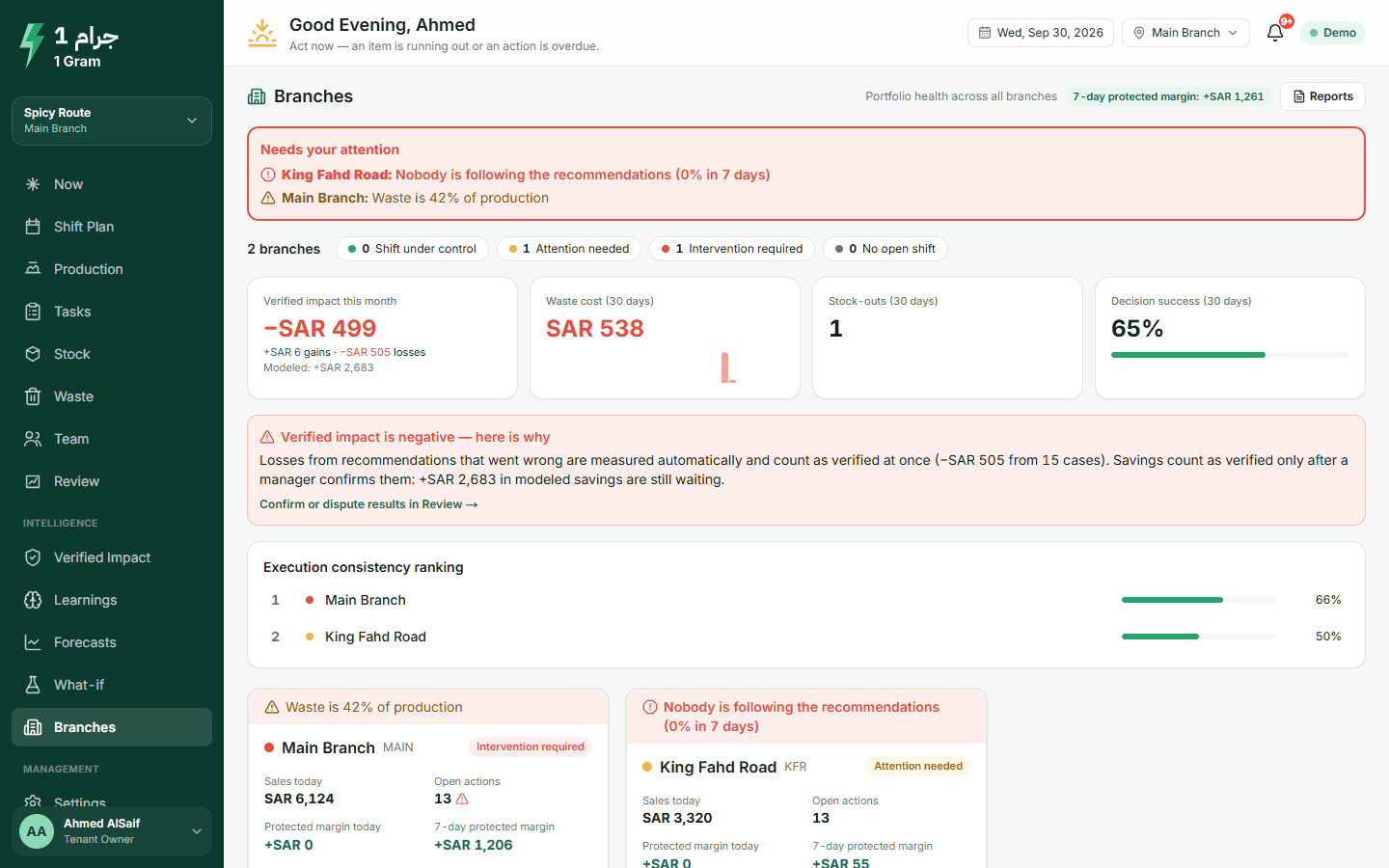
- Branches screen with red flags
- Each branch's state, with flags in plain words such as nobody following the recommendations, or items running out again and again.
- A fair comparison
- Waste percentage, margin per 1,000 riyals of sales, and stock-outs over 7 days, adjusted for branch size.
- Company rules, branch exceptions
- Set safety stock and approval limits once. A branch can change a value where it needs to, and every change is kept in a history.
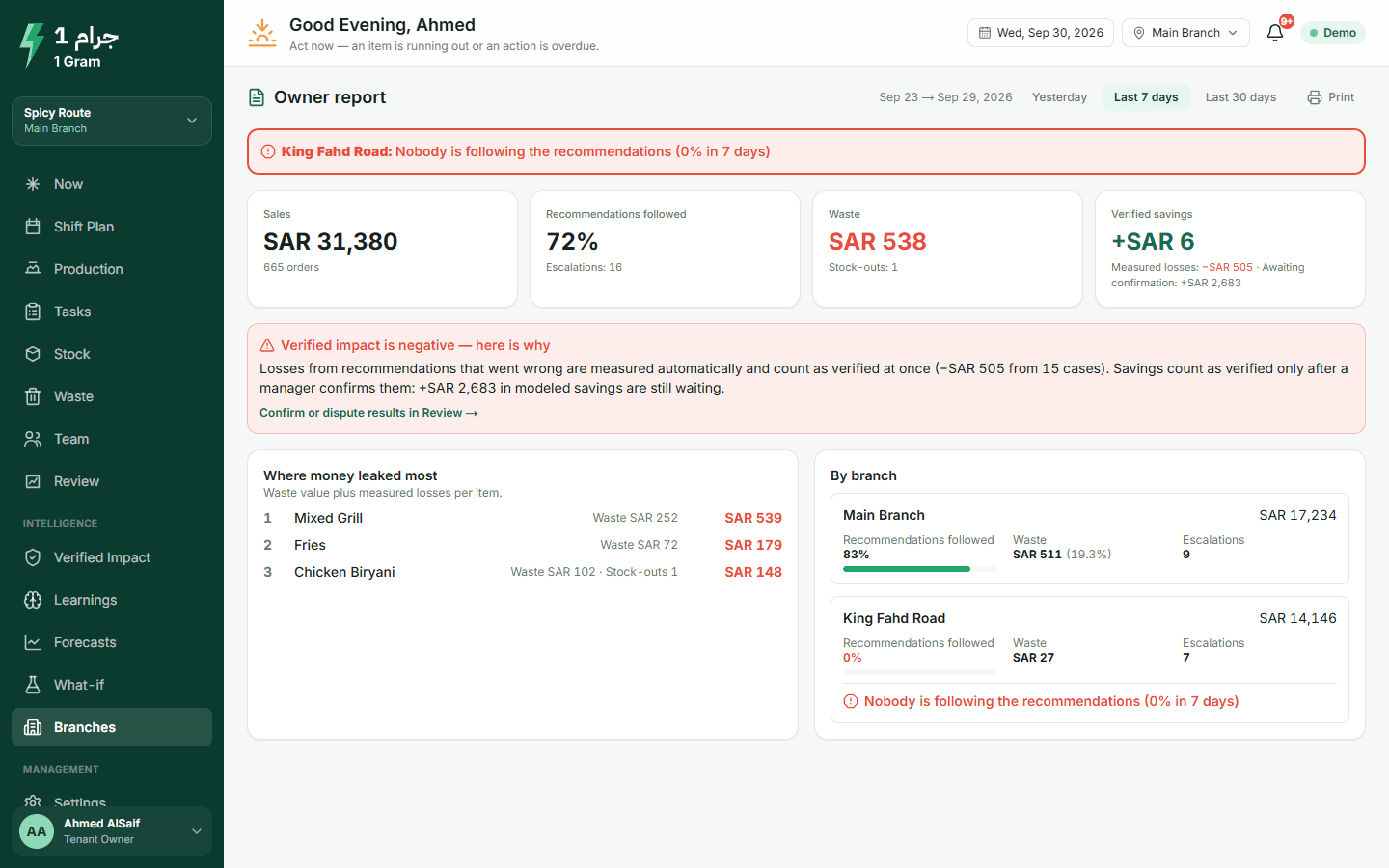
- Reports that come to you
- A daily summary and a weekly report in the app and by e-mail.
What to expect
Ranking is by how consistently each branch follows the recommendations, so you can see where the system is used and where it is ignored.
More on the product page
Open the owner view with two branches
The demo restaurant has two branches. Switch to the owner and see how they compare.
The live demo opens your own copy of a demo restaurant with two branches and four weeks of sales. No account needed.
Start free trialLive demo without an account · Arabic and English