
Production Intelligence
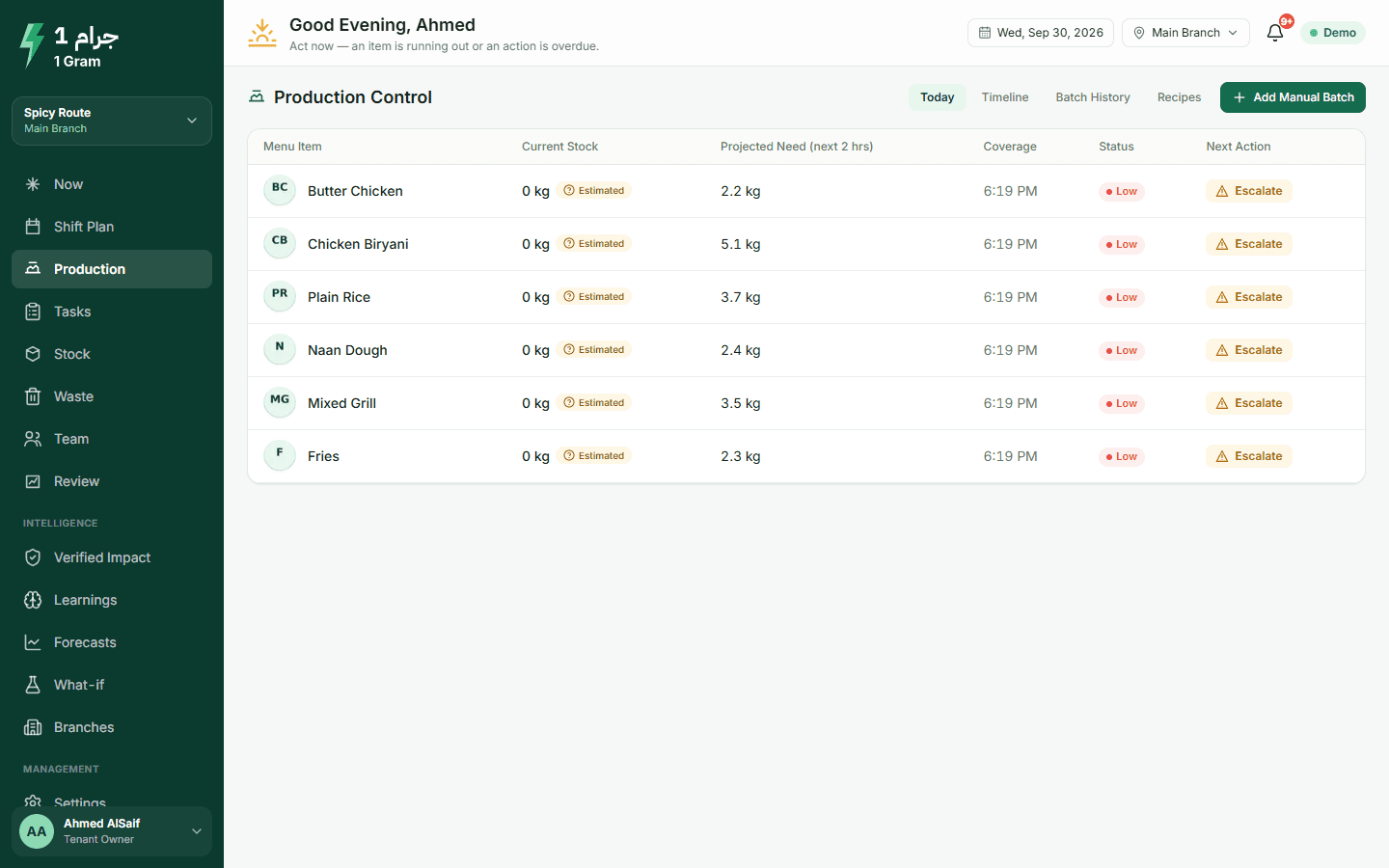
How big the next batch should be, when to start it, and the reason for both.
What usually happens
- The same quantity is cooked every day, whatever kind of day it is.
- Rice cooked at 11 is still sitting there at 3 and ends up in the bin.
- Nobody starts the next batch until the pan is empty, right in the lunch rush.
- The ready quantity everyone works from was counted hours ago.
What the system does
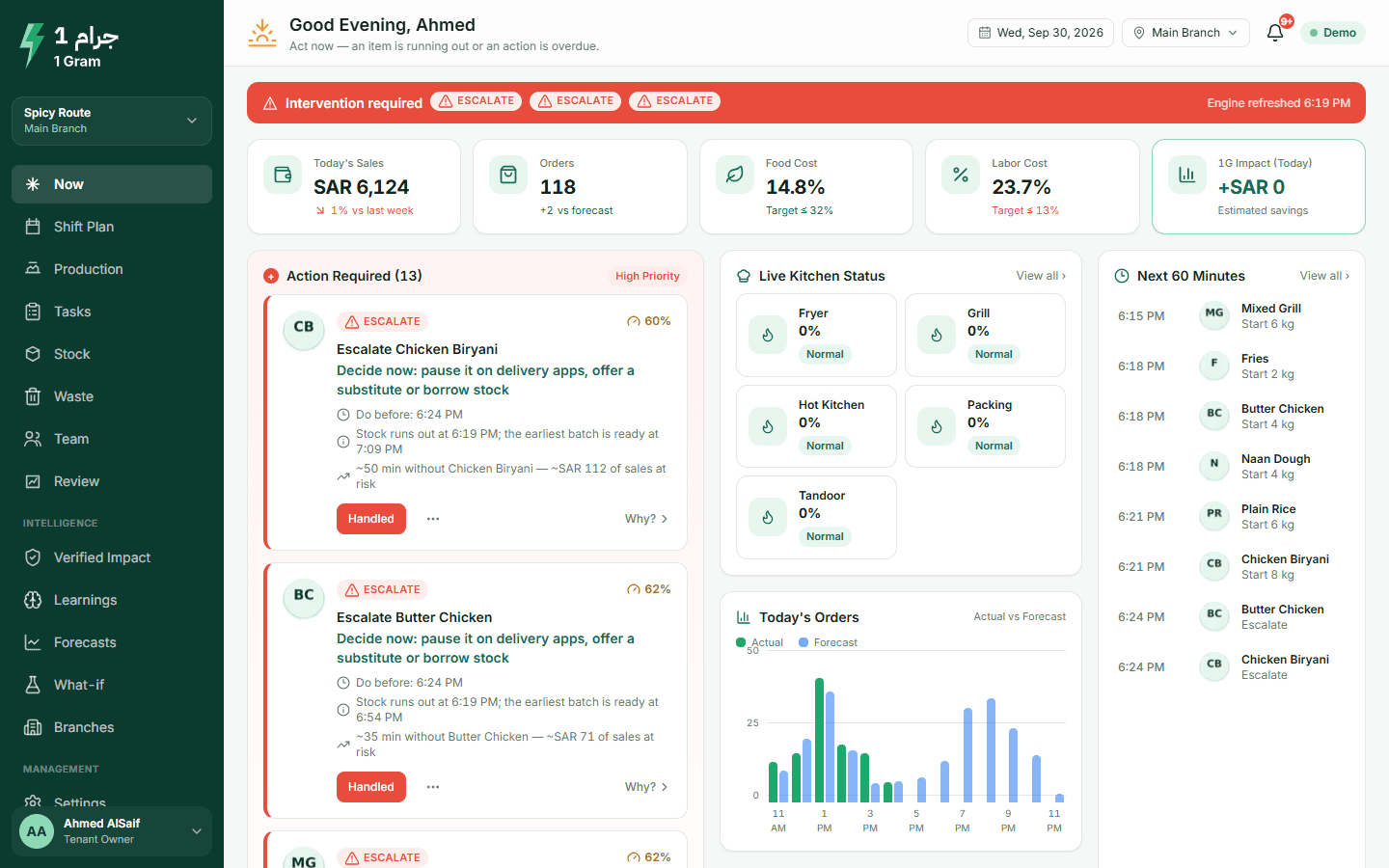
- A forecast every 15 minutes
- For each prepared item, from your POS sales.
- Start, wait or stop, with numbers
- The quantity, the time to do it by, and how long what is ready will last.
- Your production rules
- Batch limits, prep time, holding time and safety stock for each item.
- A count when in doubt
- If the figures do not add up, the kitchen is asked for a quick count first.
What to expect
We cannot promise a figure for less waste or fewer stock-outs. That depends on your menu, your volume and how closely the team follows the actions. What you do get is a review every evening that shows which actions were right and what they saved or cost.
More on the product page
Watch the production screen on a running shift
In the demo restaurant, approve a batch on the Now screen, then switch to the kitchen view to see the task.
The live demo opens your own copy of a demo restaurant with two branches and four weeks of sales. No account needed.
Start free trialLive demo without an account · Arabic and English